
Account management
Who can get into your AWS account if your usual person can't?
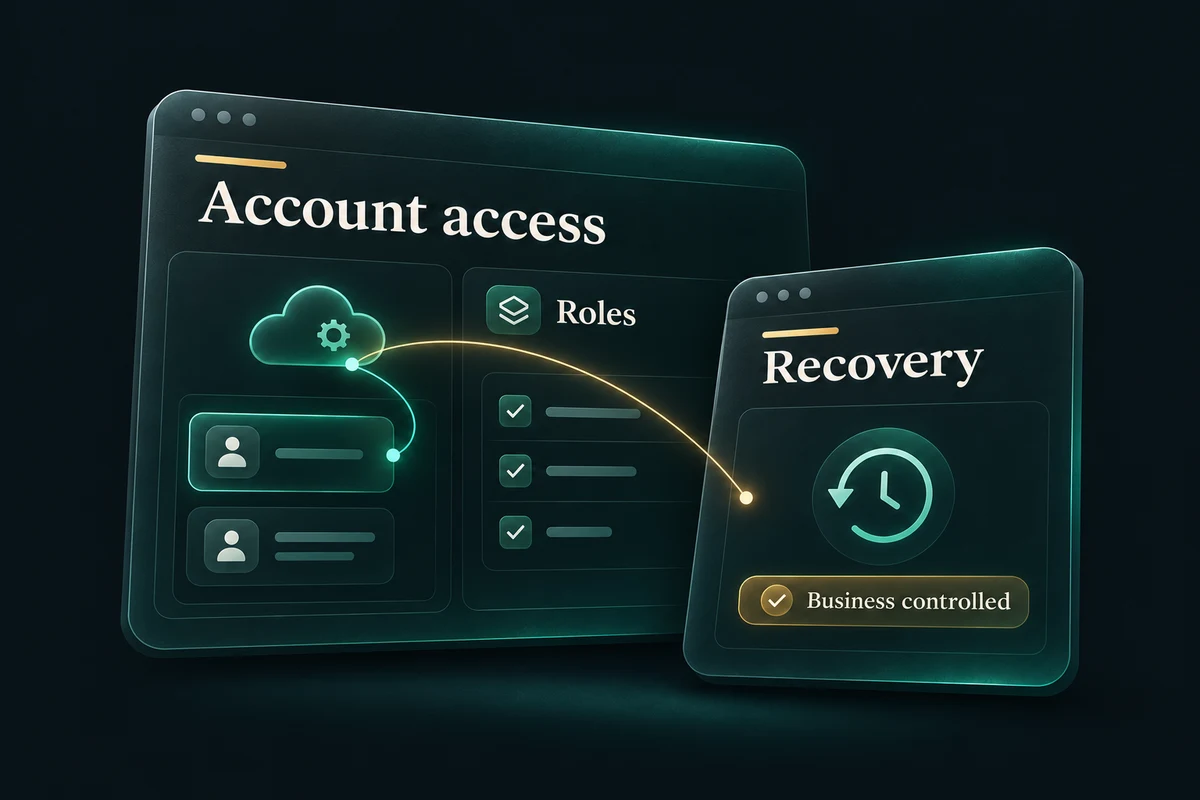
Imagine your usual administrator is unavailable and someone needs to make an urgent production change. You know which AWS account runs the application. You may even know the password. The second factor is on a phone you can't reach, and nobody is certain who controls the recovery email.
That's a hypothetical situation, but it's a useful test of an account setup. Can the business still operate when the person who knows it best isn't available?
I'd include that question in an access review alongside permissions. A list of administrators doesn't tell you whether the business can recover access, receive a security notice or bring in a replacement consultant without a difficult handoff.
Trace recovery all the way through
Start with the account's recovery arrangements. Who controls the email address? Who can access the associated phone number? Where are the authentication devices managed? Are those arrangements still valid after someone leaves?
AWS recommends protecting root access, using a business-controlled group email address and restricting access to recovery mechanisms. Root credentials should be reserved for tasks that require them. AWS Organizations also supports centralized root management for member accounts, so the right arrangement depends on how your accounts are organized. AWS root user guidance
I'd follow those dependencies beyond AWS. If account recovery depends on company email, consider how you would recover the email service. If the emergency instructions are in a system available only through the failed sign-in service, they won't be especially helpful during that failure.
The business should retain control of those dependencies even when a contractor handles the technical work. That doesn't require giving every employee access to the recovery mailbox. It means deciding who is authorized, protecting that access and keeping the arrangement current.
Give people access they can hand back
For routine work, AWS recommends federated access with temporary credentials for people and IAM roles for workloads. IAM Identity Center can manage workforce access across accounts. AWS also recommends MFA, least-privilege permissions and regular reviews of unused access. AWS IAM security practices
My preference is for each person's access to have a clear purpose and an understandable end. Someone reviewing costs shouldn't need the same permissions as someone changing production infrastructure. A short engagement shouldn't leave permanent administrator access behind simply because no review date was set.
Permissions sometimes need to expand during an investigation. I'd make that an explicit change with a reason and a review point. Otherwise, the access needed to solve one awkward problem can quietly become the baseline for every future task.
Applications and deployment systems need attention during handoffs, too. Before disabling a departing person's credentials, establish whether anything has been configured to use them. Move those dependencies to an appropriate workload identity and verify that the application or pipeline still works. For an active compromise, containment may need to happen immediately; a planned handoff gives you room to sequence the change carefully.
Keep a small, usable ownership record
A small business doesn't need a large governance document to answer basic access questions. I'd start with a private record covering:
- Each AWS account's purpose and the person accountable for it.
- Who manages ordinary access and who can authorize emergency access.
- Where recovery instructions are stored, without copying secrets into the record.
- Who receives billing, security and operational notices.
- When access and recovery arrangements were last checked.
The check matters. An instruction that says “contact the administrator” doesn't resolve much if the administrator is the person who's unavailable. Walk through the process under controlled conditions, confirm that the authorized people can reach what they need and record any gaps. Avoid creating a real lockout to test whether you can recover from one.
I'd make this part of the handoff whenever responsibility changes. The incoming person should be able to explain how access works, and the business should be able to remove the outgoing person's access without losing control of its infrastructure. That is a reasonable thing to expect from an account you depend on.